로컬에서 AI 멀티 에이전트 만들기 (2) — 에이전트 구현
시리즈 (3편 중 2편)
편 제목 핵심 1편 설계와 환경 구성 AgentEngine 추상화, CLI/API 팩토리 → 2편 에이전트 구현 EventBus, Orchestrator, 3개 에이전트 3편 실전과 확장 실행 결과, 피드백 루프, 비용 최적화
1편에서 AgentEngine 인터페이스와 환경을 구성했다. 이번 편에서는 에이전트 간 통신(EventBus), 라우팅(Orchestrator), 그리고 3개 에이전트를 구현한다.
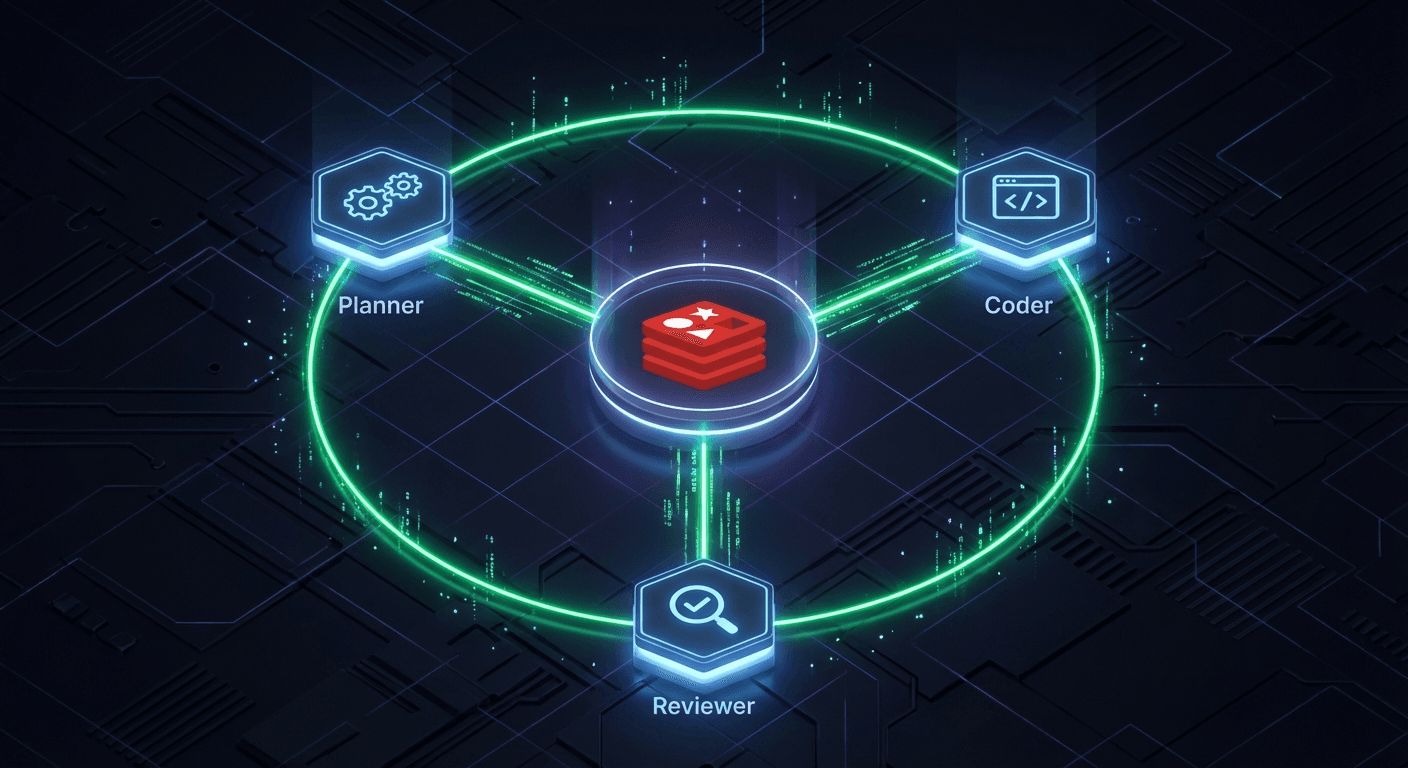
EventBus: Redis Pub/Sub
에이전트끼리 직접 호출하면 커플링이 생긴다. EventBus로 간접 통신하면 에이전트를 독립적으로 추가/삭제할 수 있다.
// src/event-bus.ts
export class EventBus {
  private pub: Redis;
  private sub: Redis;
  private handlers: Map<string, ((event: AgentEvent) => void)[]> = new Map();

  constructor(redisUrl: string) {
    this.pub = new Redis(redisUrl);
    this.sub = new Redis(redisUrl);  // Redis pub/sub는 연결 2개 필요
  }

  async publish(type: string, payload: Record<string, unknown>) {
    const event = {
      id: crypto.randomUUID(),
      type,
      payload,
      timestamp: new Date().toISOString(),
    };
    await this.pub.publish("agent-events", JSON.stringify(event));
    return event;
  }

  async subscribe(type: string, handler: (event: AgentEvent) => void) {
    if (!this.handlers.has(type)) {
      this.handlers.set(type, []);
    }
    this.handlers.get(type)!.push(handler);

    if (this.handlers.size === 1) {  // 첫 구독시에만 Redis subscribe
      await this.sub.subscribe("agent-events");
      this.sub.on("message", (_channel, message) => {
        const event = JSON.parse(message);
        const handlers = this.handlers.get(event.type) || [];
        handlers.forEach((h) => h(event));
      });
    }
  }
}
설계 포인트:
- Redis 연결 2개: pub/sub 모드에서는 같은 연결로 다른 명령을 실행할 수 없다
- 단일 채널
"agent-events": 이벤트 타입은 메시지 내부에서 구분 - 타입별 핸들러 맵:
handlers.get(event.type)으로 O(1) 디스패치
codemon-make의 EventBus를 거의 그대로 가져왔다. 47줄짜리 코드가 프로덕션에서 수개월째 안정적으로 동작한다.
한 가지 주의점: JSON.parse가 실패할 수 있다. 프로덕션에서 실제로 만난 버그인데, Redis 채널에 비정상 메시지가 들어오면 전체 EventBus가 죽는다. try/catch로 감싸는 것을 잊지 말자:
this.sub.on("message", (_channel, message) => {
  try {
    const event = JSON.parse(message);
    const handlers = this.handlers.get(event.type) || [];
    handlers.forEach((h) => h(event));
  } catch (e) {
    console.error("EventBus: invalid message", e);
  }
});
Orchestrator: 이벤트 → 큐 라우팅
Orchestrator는 이벤트를 받아서 적절한 BullMQ 큐에 작업을 넣는다. codemon-make에서는 6개 이벤트를 처리하지만, 튜토리얼에서는 3개면 충분하다.
// src/orchestrator.ts
export class Orchestrator {
  async start() {
    // task.created → planner-queue
    await this.eventBus.subscribe("task.created", async (event) => {
      await this.plannerQueue.add("plan", event.payload);
    });

    // plan.completed → coder-queue
    await this.eventBus.subscribe("plan.completed", async (event) => {
      await this.coderQueue.add("code", event.payload);
    });

    // code.completed → reviewer-queue
    await this.eventBus.subscribe("code.completed", async (event) => {
      await this.reviewerQueue.add("review", event.payload);
    });
  }
}
3줄의 라우팅. 이것이 멀티 에이전트 파이프라인의 핵심이다. 나머지는 각 에이전트가 알아서 한다.
PlannerAgent: 요구사항 → 계획
Planner는 사용자 요청을 받아서 구조화된 계획을 만든다.
// src/agents/planner-agent.ts
const SYSTEM_PROMPT = `You are a software planning agent.
Given a user's request, produce a JSON implementation plan.

Your response must be a valid JSON object with this exact structure:
{
  "title": "Short project title",
  "steps": ["Step 1: ...", "Step 2: ...", ...],
  "files": ["file1.ts", "file2.ts", ...],
  "techStack": ["React", "TypeScript", ...]
}

Respond ONLY with JSON, no markdown fences or explanation`;
JSON 파싱 패턴:
private parsePlan(output: string): Plan {
  const cleaned = output
    .replace(/```json\s*/g, "")
    .replace(/```\s*/g, "")
    .trim();

  const start = cleaned.indexOf("{");
  const end = cleaned.lastIndexOf("}");
  return JSON.parse(cleaned.slice(start, end + 1));
}
LLM이 가끔 마크다운 코드 펜스를 붙인다. 방어적으로 파싱하는 것이 중요하다.
CoderAgent: 계획 → 코드
Coder는 Planner의 계획을 받아서 실제 파일을 생성한다.
// src/agents/coder-agent.ts
private buildPrompt(plan: Plan): string {
  return `You are a coding agent. Implement the following plan.

## Project: ${plan.title}

## Tech Stack
${plan.techStack.map((t) => `- ${t}`).join("\n")}

## Files to Create
${plan.files.map((f) => `- ${f}`).join("\n")}

## Implementation Steps
${plan.steps.map((s, i) => `${i + 1}. ${s}`).join("\n")}

Rules:
- Create all listed files with complete, working code
- Make the code immediately runnable
- Do NOT explain — just write the code`;
}
Claude CLI 엔진을 쓰면 실제로 파일을 생성한다. API 엔진을 쓰면 코드를 텍스트로 반환한다. 같은 에이전트 코드가 엔진만 바꿔서 다르게 동작하는 것이 AgentEngine 추상화의 힘이다.
ReviewerAgent: 리뷰 + 점수
Reviewer는 생성된 코드를 검토하고 점수를 매긴다.
// src/agents/reviewer-agent.ts
const SYSTEM_PROMPT = `You are a code review agent.
Review the code and provide feedback.

Your response must end with a VERDICT block:

VERDICT: approve OR suggest
SCORE: 1-10
FEEDBACK: One paragraph summary`;
VERDICT 파싱 패턴:
private parseVerdict(output: string) {
  const verdictMatch = output.match(/VERDICT:\s*(approve|suggest)/i);
  const scoreMatch = output.match(/SCORE:\s*(\d+)/i);
  const feedbackMatch = output.match(/FEEDBACK:\s*(.+)/is);

  return {
    verdict: verdictMatch?.[1]?.toLowerCase() || "suggest",
    score: scoreMatch ? parseInt(scoreMatch[1], 10) : 5,
    feedback: feedbackMatch?.[1]?.trim() || output.slice(-500),
  };
}
정규식으로 구조화된 출력을 파싱한다. codemon-make에서도 동일한 패턴을 쓴다. JSON보다 LLM이 더 안정적으로 따라하는 형식이다.
Worker: BullMQ 연결
각 에이전트를 BullMQ Worker로 감싸면 큐에서 작업을 꺼내 실행한다.
// src/workers/planner-worker.ts
export function createPlannerWorker(eventBus: EventBus): Worker {
  const agent = new PlannerAgent(plannerConfig.engine);

  return new Worker("planner-queue", async (job) => {
    const { task, cwd } = job.data;
    const { plan, raw } = await agent.run(task, cwd);

    // 결과를 이벤트로 발행 → Orchestrator가 다음 큐로 라우팅
    await eventBus.publish("plan.completed", { task, plan, cwd });
    return { plan };
  }, { connection: { url: redisUrl } });
}
Worker → Agent → Engine → LLM. 계층이 명확하다. 워커는 큐 처리만, 에이전트는 프롬프트만, 엔진은 LLM 호출만.
전체 시작
// src/start.ts
const eventBus = new EventBus(redisUrl);
const orchestrator = new Orchestrator(eventBus);
await orchestrator.start();

const plannerWorker = createPlannerWorker(eventBus);
const coderWorker = createCoderWorker(eventBus);
const reviewerWorker = createReviewerWorker(eventBus);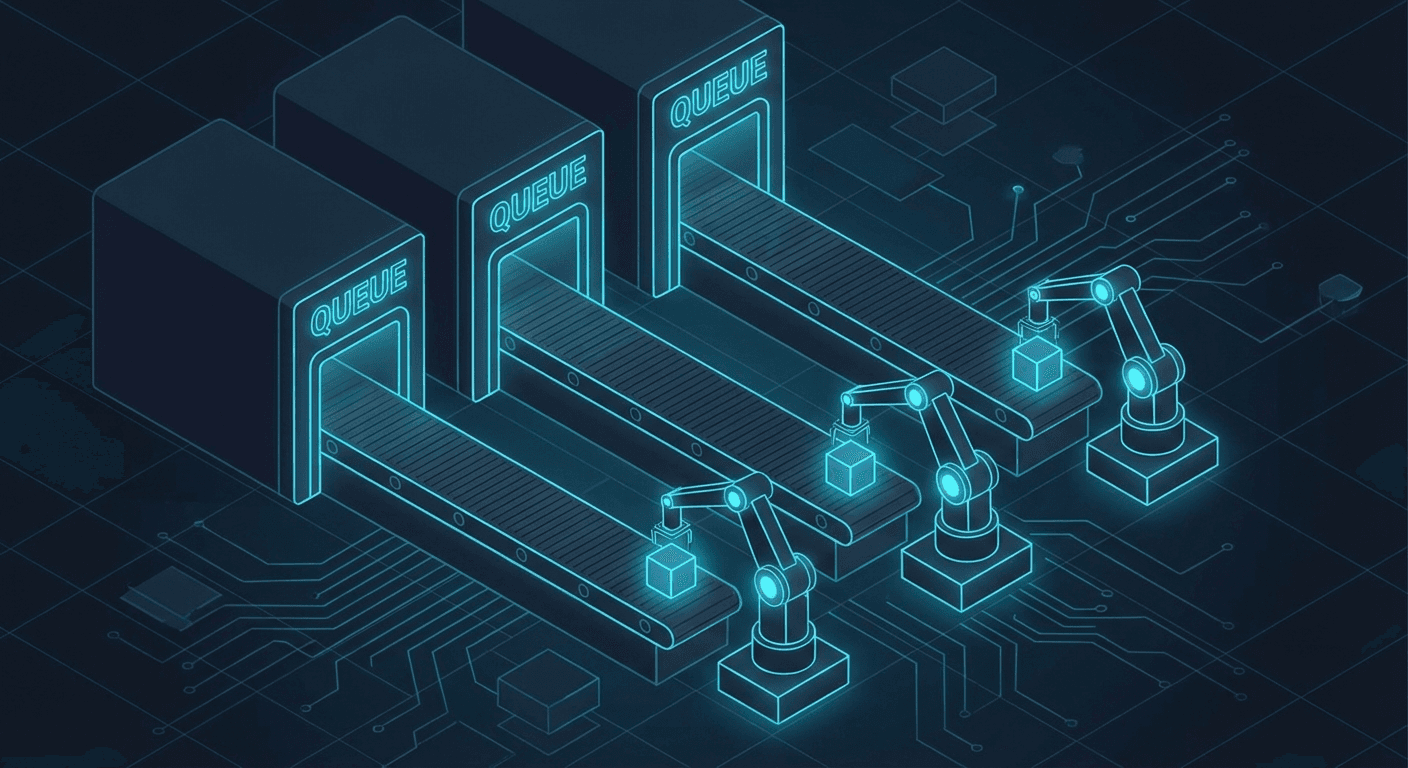
모든 것이 하나의 프로세스에서 시작된다. 프로덕션에서는 워커를 별도 프로세스로 분리할 수 있지만, 로컬 튜토리얼에서는 하나면 충분하다.
다음 편에서
3편에서는 이 파이프라인을 실제로 실행하고, 결과를 분석하고, 프로덕션으로 확장하는 방법을 다룬다.
← 이전: 1편 — 설계와 환경 구성 | 다음: 3편 — 실전과 확장 →