I Built an Outsourcing Company with 7 AI Agents
A dev shop with no developers. AI plans, codes, and tests.
The Problem
The structural problems of outsourced development have been around forever.
A client says “build me this app,” and the dev shop interprets and builds it. Communication costs eat up 30-40% of the entire project. Requirements get buried in meeting notes, mid-point reviews are perfunctory, and the deliverable looks nothing like what was originally discussed.
I wondered: what if AI agents handled the outsourcing instead of people?
Why Existing Approaches Fall Short
There’s no shortage of AI coding tools. GitHub Copilot, Cursor, Claude Code — all excellent. But these are developer tools. You need a developer to use them.
I wanted something different.
- Client says “build me a todo app”
- AI analyzes the requirements
- Writes the spec
- Codes it
- Tests it
- Deploys it
Without a developer. Or with minimal oversight at most.
The problem is that a single AI agent can’t do all this. Cram planning, development, and testing into one prompt and the context explodes. It looks plausible at first, but collapses as complexity grows.
My Decision: Split the Roles
Just like human organizations, AI needs role separation.
I designed an AI outsourcing team of 7 specialized agents:
| Agent | Role | Analogy |
|---|---|---|
| PM | Requirements analysis, PRD writing, issue breakdown | Project Manager |
| Architect | Tech stack selection, architecture design | Tech Lead |
| Frontend | UI/UX implementation | Frontend Developer |
| Backend | API, DB, business logic | Backend Developer |
| QA | Testing, quality verification | QA Engineer |
| Debug | Build error analysis, auto-recovery | Senior Debugger |
| DevOps | Build, deploy, preview environments | Infra Engineer |
The key: each agent only does its job. PM doesn’t know code, Frontend doesn’t know the DB. Instead, they reference each other’s outputs.
The Pipeline: Approval Gates Are Everything
You can’t just let agents loose. AI is confidently wrong.
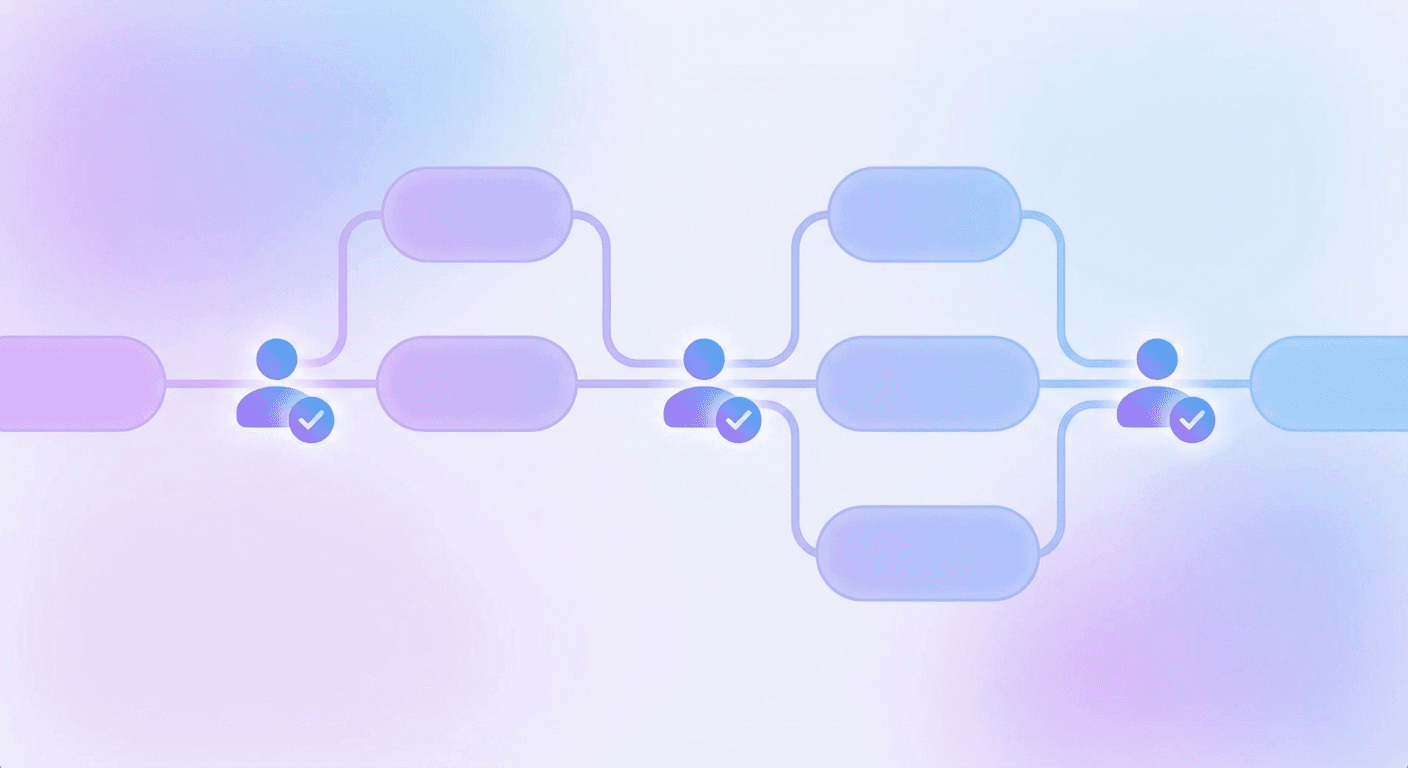
So I built 3-stage approval gates:
Client Request
    ↓
[PM Agent] Write PRD
    ↓
🚪 Gate 1: PRD Approval ← Human reviews
    ↓
[PM Agent] Break into Phase-based Issues
    ↓
🚪 Gate 2: Issue List Approval
    ↓
[Dev Agents] Frontend + Backend in Parallel
    ↓
[QA Agent] Testing
    ↓
🚪 Gate 3: QA Plan Approval
    ↓
Deploy!
A human reviews and approves at each gate before proceeding. This catches the AI if it’s heading in the wrong direction.
This mirrors real outsourcing contracts: spec review → mid-check → final acceptance. The difference is it all happens with a single click on a web dashboard.
Auto Mode vs Manual Mode
Here’s where it gets interesting — two modes:
Manual Mode: Approval required at every gate
- Client reviews each stage, like a traditional contract
- For projects where trust hasn’t been established yet
Auto Mode: Gates auto-approve
- Internal prototypes, rapid MVP validation
- “Just build it and we’ll see”
I tested it. In auto mode, I told it to build a “weather dashboard” app. PM wrote the PRD → auto-approved → 8 issues generated → auto-approved → Dev Agent implemented Phase 1 through 7 sequentially → done. Zero human intervention.
The result wasn’t perfect. But a working app came out.
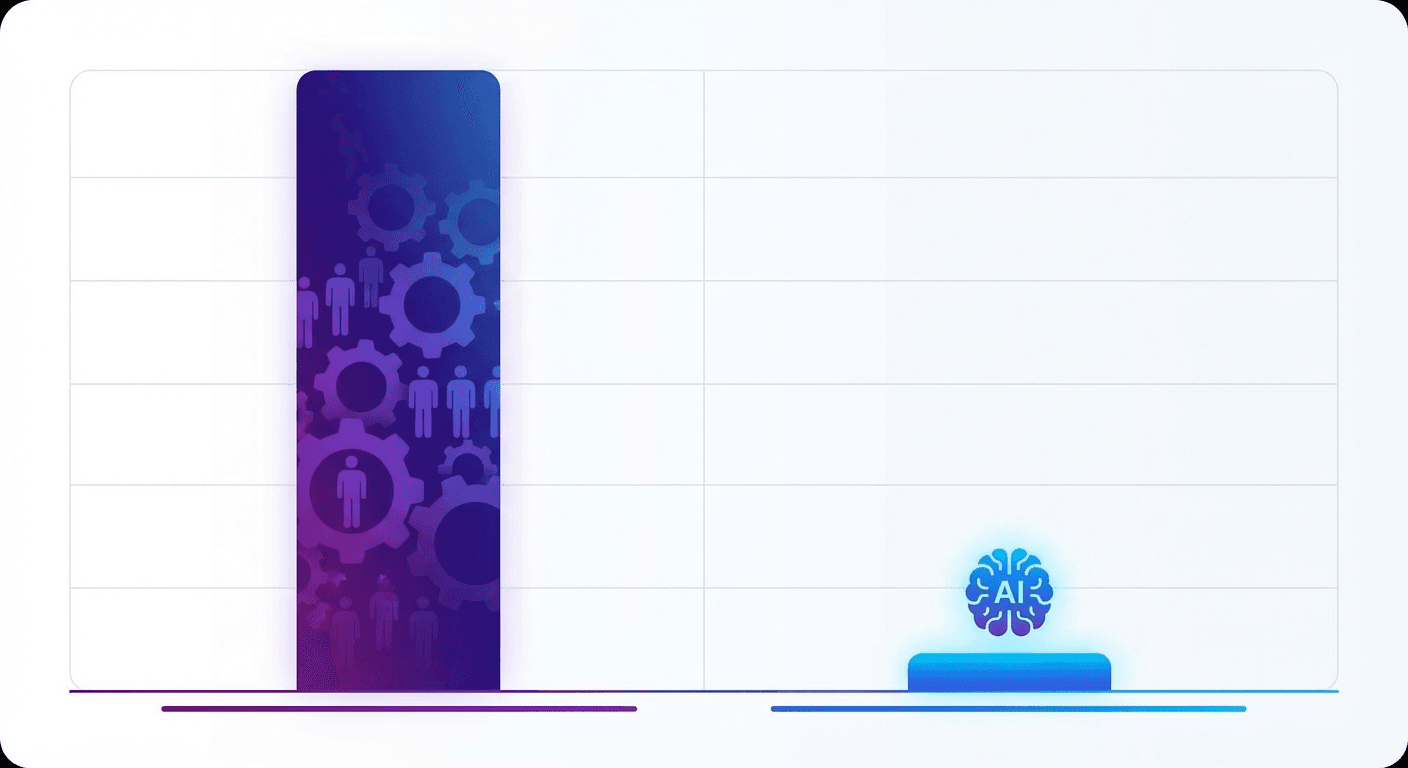
Cost: A Dev Team for $13/month
The real disruption is cost.
| Role | Model | Cost |
|---|---|---|
| PM | Claude Opus 4.6 | ~$10/mo |
| Dev (FE+BE) | GLM-5 | ~$2/mo |
| QA + Debug | GLM-5 | ~$1/mo |
Only the PM uses an expensive model. Because PRD quality determines the entire project. Bad planning means good coding is worthless. But with clear instructions, even cheap models code well enough.
One good PRD means Dev wastes less time, and total costs drop. Same principle in human organizations.
Shared Memory: The Agents’ Wiki
Agents need to know about each other’s work. Frontend can’t ignore Backend’s API spec.
So I built a per-project wiki system:
- PM writes PRD → saved to wiki
- Architect picks tech stack → saved to wiki
- Backend builds APIs → saved to wiki
- Frontend reads wiki → implements accordingly
Every decision is recorded, every agent references it. Like Notion or Confluence for human teams.
Lessons Learned
1. AI Needs to Be Managed
“Just hand it to AI and it’ll figure it out” is a fantasy. AI is a great executor but a poor judge. Setting direction is still a human’s job. That’s why approval gates matter.
2. Role Separation Creates Quality
Ask one AI to do everything and you get “not bad” results. Split the roles and you get “good in each area” results. Same principle as human organizations.
3. Use Expensive Models Only Where It Matters
Not every agent needs the best model. Expensive models where judgment is needed (PM), cost-effective models where execution is needed (Dev).
4. Process Beats Prompts
No matter how good your prompt is, without structure it falls apart. Conversely, with solid structure, even average prompts produce results.
What’s Next
Right now, only the super admin (me) can use it. Soon I’ll open a client portal to take real outsourcing projects.
“An app built by AI” might not inspire confidence yet. But when the deliverable works, costs 1/10th as much, and ships 10x faster — the market will respond.
An AI agent outsourcing company. 7 employees, $13/month payroll.

A Question to Consider
In your organization, where is the line between “judgments only humans should make” and “execution AI can handle”?
The system described in this post is being developed as Codemon Make.